


Tax Day Countdown and Important Tax Deadlines!
Learn moreSmarter Bookkeeping: Cloud Accounting, Automation, and Teamwork
How Cloud Accounting Software Enhances Efficiency
Cloud accounting software brings financial records, routine bookkeeping, and reporting into an online workspace. It can help businesses reduce manual entry, share information more easily, and review their finances without passing files between colleagues. The biggest benefits of cloud accounting come from combining these capabilities with consistent review and clear responsibilities. (xero.com)
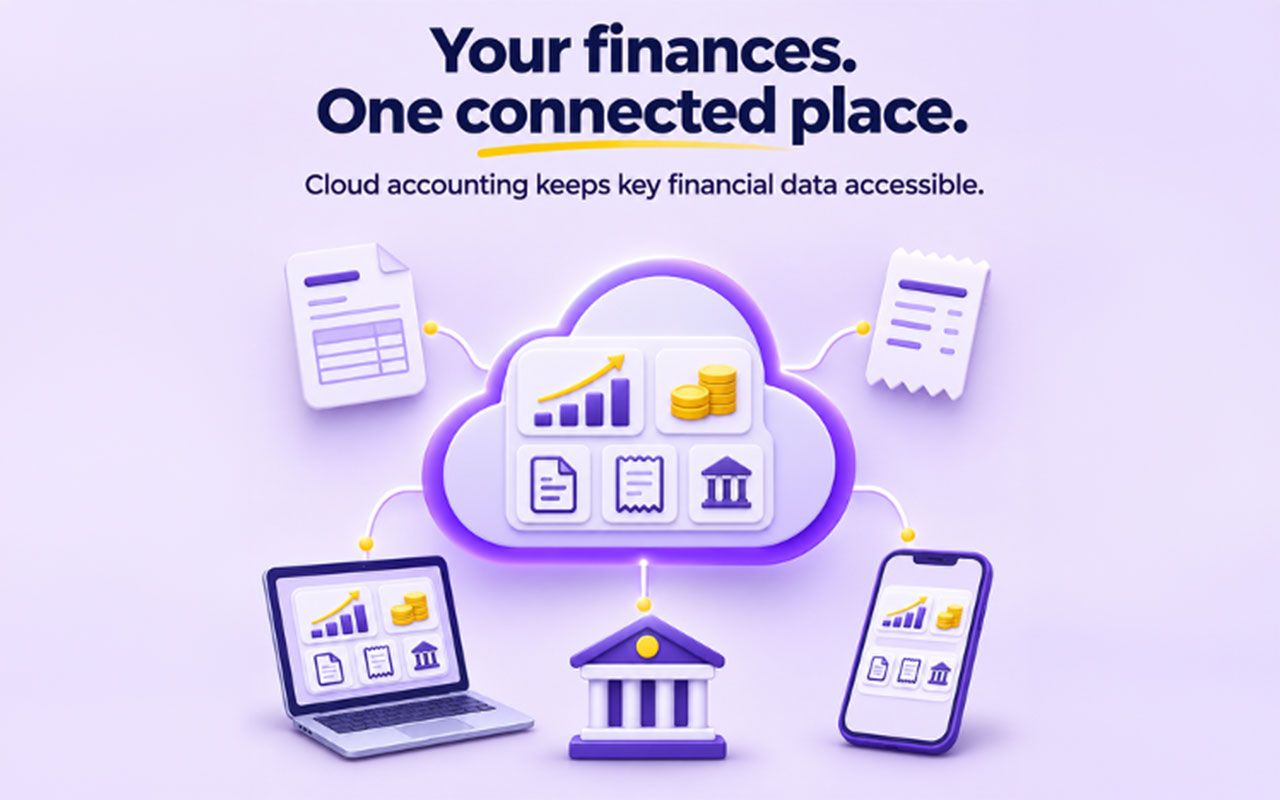
Cloud accounting keeps key financial data accessible in one place.
How does cloud accounting software improve efficiency?
Cloud accounting software improves efficiency by centralizing financial information and automating parts of everyday accounting. Instead of repeatedly entering transactions or emailing updated spreadsheets, authorized users can work from shared records, import bank activity, and access reports online. Cloud-based accounting systems also shift software hosting and updates to the provider, reducing local maintenance tasks. (xero.com)
That changes where teams spend their attention. Rather than treating every transaction as a separate data-entry job, aim to focus on exceptions: an unfamiliar expense, an unmatched payment, or an overdue invoice. Evaluate cloud accounting solutions against those specific bottlenecks, rather than choosing the longest feature list.
Automation reduces repetitive bookkeeping
Bank feeds illustrate the practical value of cloud-based accounting software. Supported connections import transactions into the accounting workspace, while matching suggestions and bank rules help users reconcile and categorize them. These features reduce repetitive work, although suggested matches still need appropriate review. (xero.com)
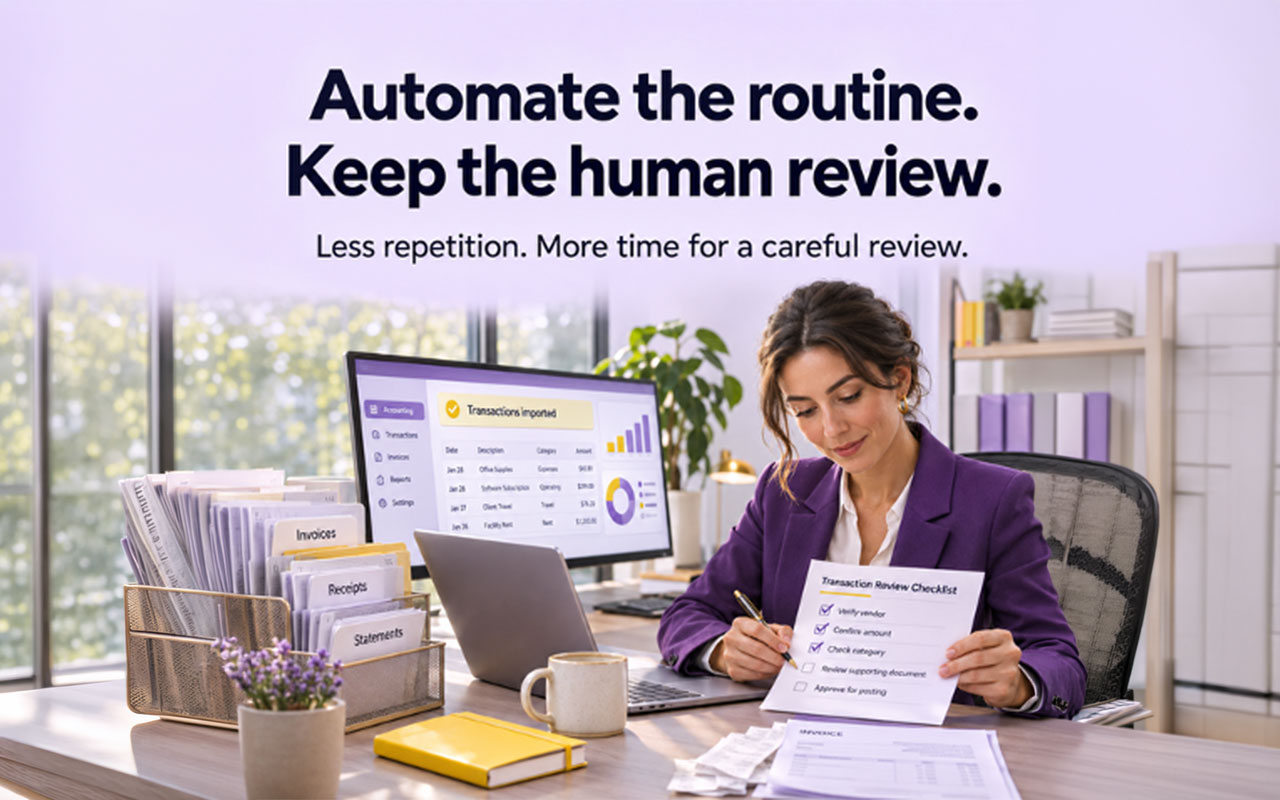
Automation helps reduce repetitive bookkeeping tasks, while keeping review in the loop.
Start with predictable, low-complexity activity before expanding automation. A recurring subscription from a familiar supplier is a better initial test than a payment covering several invoices or an unusual purchase.
Useful starting points include:
Bank transaction imports: Confirm that each required account connects correctly and that imported activity covers the expected dates.
Recurring categorization rules: Use specific conditions, then inspect the results before applying rules more widely.
Invoice matching: Check the customer, amount, and reference rather than approving a suggestion on amount alone.
Exception handling: Assign someone to investigate unmatched items instead of allowing them to accumulate.
The goal is not to remove judgment. It is to reserve judgment for transactions that actually require it.
Shared records make collaboration more practical
Cloud accounting platforms let colleagues and accountants access financial information through their own logins. Permissions can restrict what different users see or do, although available roles depend on the product and subscription. For example, QuickBooks documents distinct access rights for bookkeeping, accounting, and administrative responsibilities. (quickbooks.intuit.com)
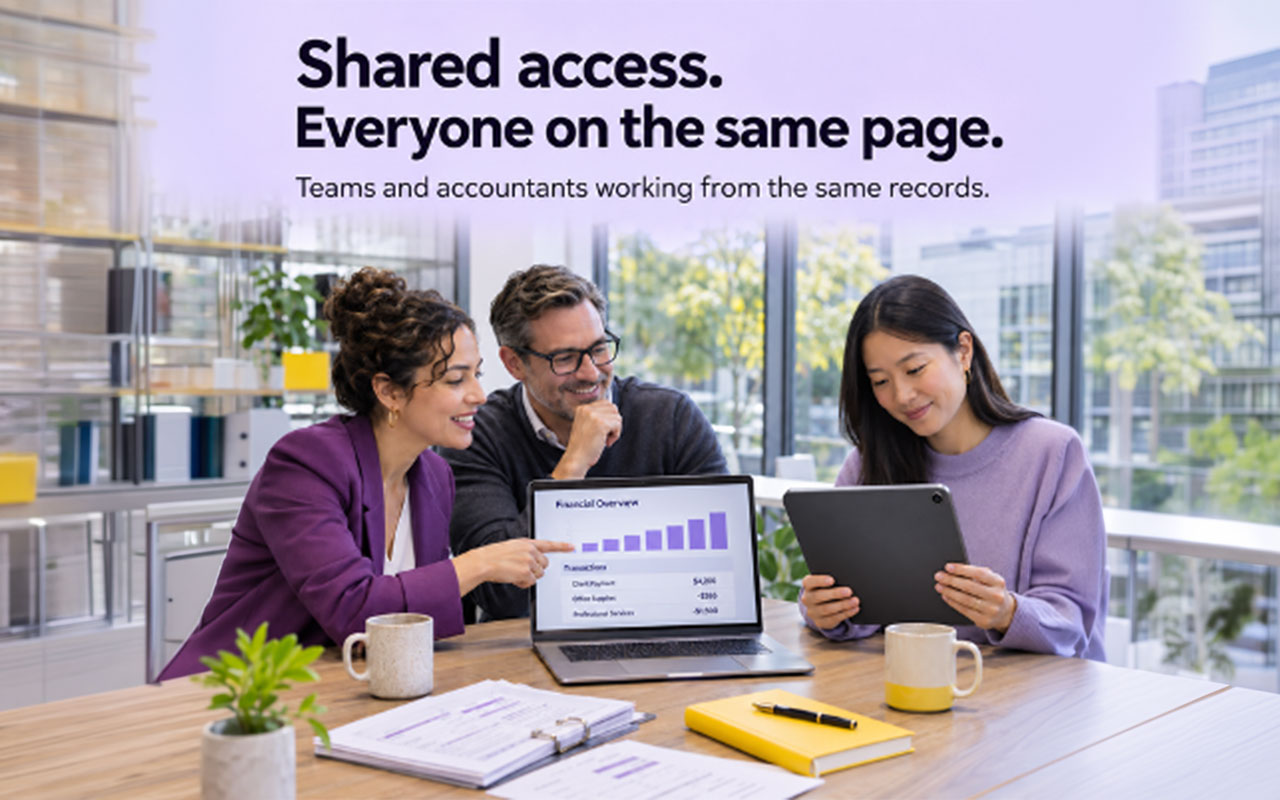
Shared access makes it easier for teams and accountants to work from the same records.
Build responsibilities around that access. Decide who enters supplier bills, who approves them, and who checks the completed reconciliation. Avoid giving everyone administrator permissions simply because it seems easier during setup.
When assessing cloud accounting services, clarify the human support included alongside the software. Ask whether a proposed service covers setup, routine bookkeeping, review, or advisory work. Put those responsibilities in writing so neither your team nor an external provider assumes the other is handling an unresolved item.
Better visibility supports timely decisions
Cloud-based accounting platforms can bring invoicing, bills, bank reconciliation, and reporting into the same environment. That gives users a more accessible view of financial activity than records scattered across separate files. However, visibility still depends on keeping the underlying records current and reconciled. (xero.com)
Use that visibility to establish a short weekly review. Examine unpaid invoices, upcoming supplier bills, and unexplained changes in balances. Then assign actions: contact a customer, resolve a missing document, or investigate an expense.
Treat “real time” as a capability to verify, not a promise that every figure is complete. Before relying on a report, check its date range, the latest imported transactions, and any outstanding reconciliation work. A dashboard is most useful when the team understands what its numbers include.
Integrations need deliberate setup
Cloud accounting programs can connect with other business applications; QuickBooks, for example, offers integrations with tools used across business operations. These connections can reduce the need to transfer information manually between systems. The actual workflow depends on the applications and integration selected. (quickbooks.intuit.com)
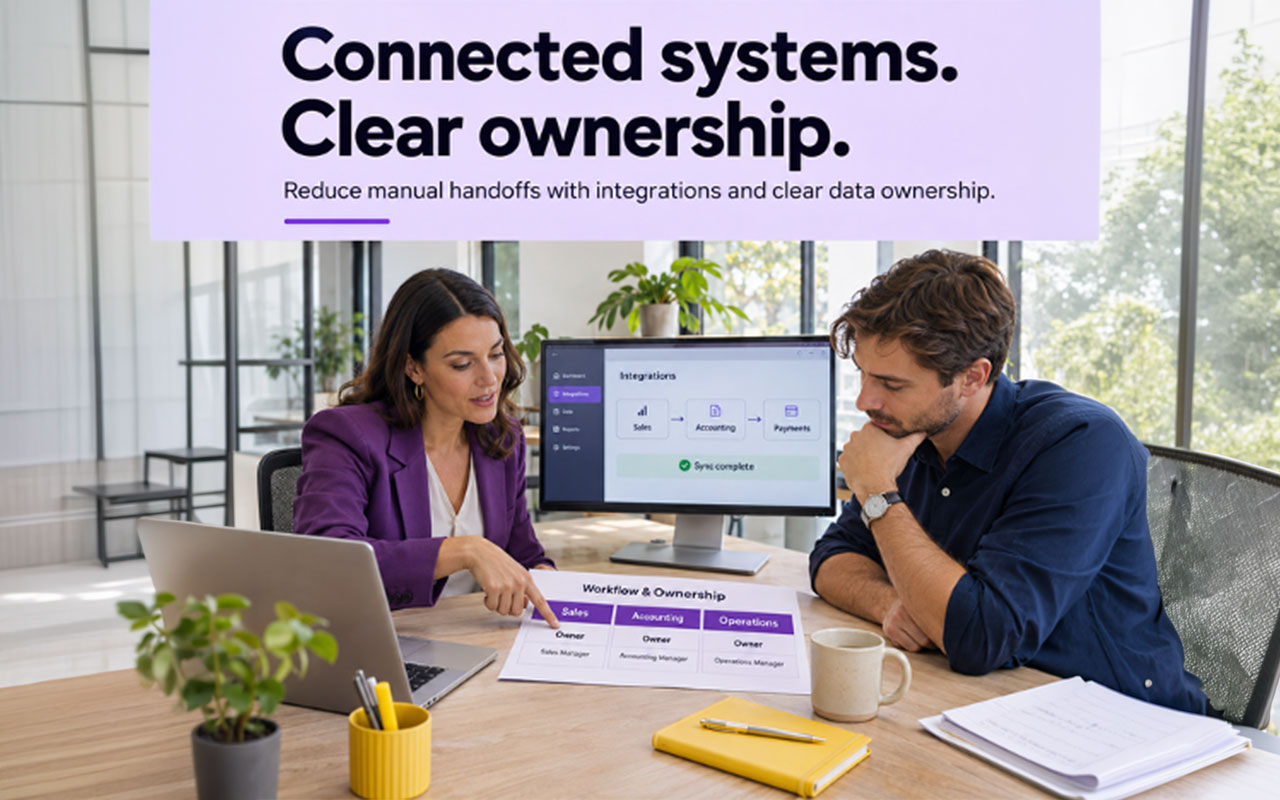
Integrations can reduce manual handoffs when set up with clear data ownership.
Before connecting applications, document where each record should originate and which system should control updates. Test a normal sale, a refund, a fee, and a failed payment if those events apply to your business. Check the resulting accounting entries rather than assuming a successful connection means correct bookkeeping.
For cloud accounting for enterprises, expand that evaluation to organizational requirements. Ask vendors to demonstrate required entity structures, approval processes, access restrictions, and reporting outputs. Use realistic scenarios rather than accepting a demonstration built around a simpler business.
What should you check before switching?
Before switching to a cloud accounting system, check workflow fit, data migration, access controls, reporting needs, and the full operating cost. Use a trial or demonstration to test actual accounting tasks, not just the appearance of the dashboard. Include the people who will enter, approve, and review transactions.
Compare cloud-based accounting solutions using a practical checklist:
Document the baseline. Record how long reconciliation, invoice processing, and month-end review currently take.
Prepare the data. Review customer records, supplier details, opening balances, and unresolved transactions before migration.
Test essential workflows. Run representative transactions from entry through approval, reconciliation, and reporting.
Check safeguards. Ask about authentication, permissions, backups, recovery procedures, and data exports.
Confirm ongoing costs. Identify subscription charges, implementation work, training, support, and any required connected applications.
Plan ownership. Name the people responsible for monitoring imports, reviewing exceptions, and maintaining access.
Do not assume that moving online automatically fixes inconsistent bookkeeping. Establish a review routine and a process for correcting mistakes before expanding automation.
Make efficiency a measurable outcome
Start with one clear improvement target, such as reducing reconciliation effort or clearing overdue bookkeeping. After implementation, compare the same task against your baseline and investigate anything that still creates duplicate work. Keep the controls that protect accuracy, even when removing unnecessary steps.
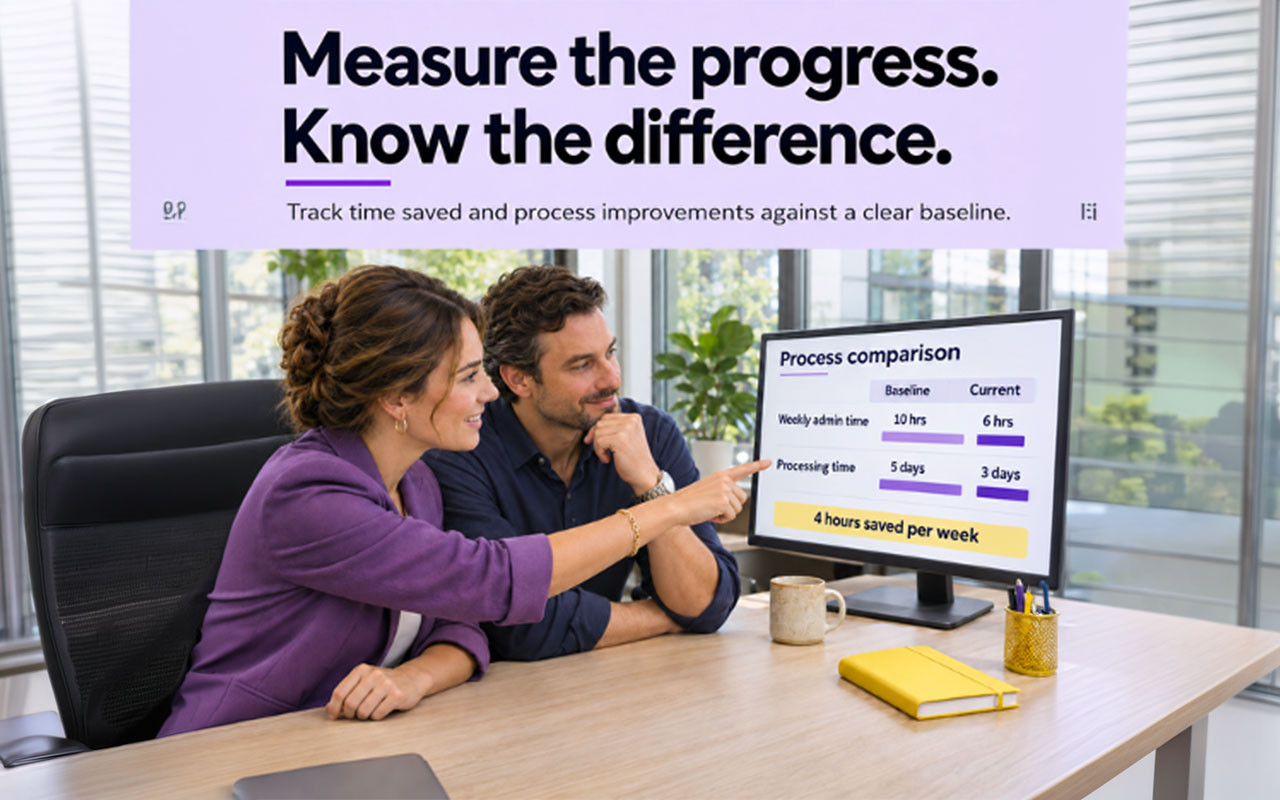
Track time saved and process improvements against a clear baseline.
The strongest cloud accounting setup is not necessarily the most elaborate. It is the one your team can use consistently, with clear ownership and fewer avoidable handoffs.